Introduction to AI Hairstyle Generation
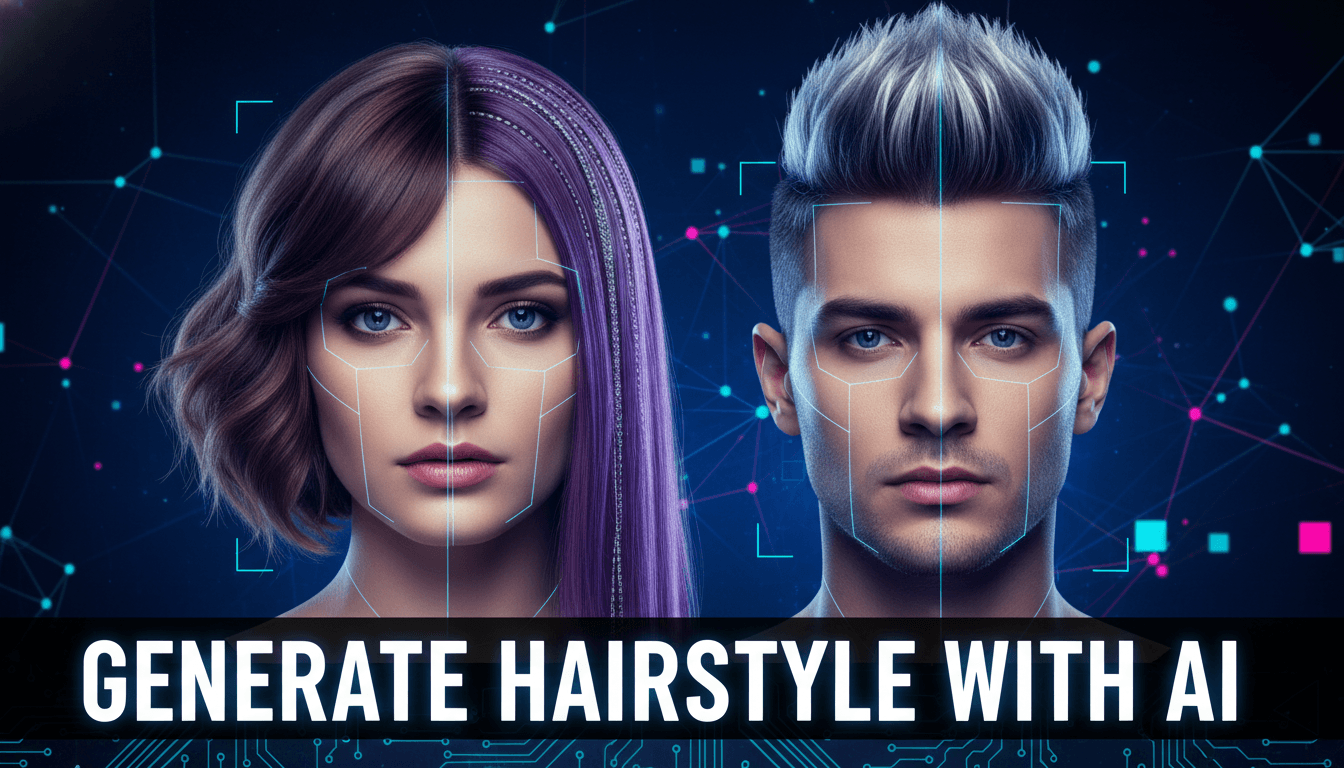
Generate Hairstyle with AI – Ever wondered how you’d look with long curls, a sharp fade, or a bold new hair color—without actually touching a pair of scissors? That’s where AI steps in like a digital stylist who never gets tired. Generating hairstyles with AI has quickly become a go-to solution for people who want to experiment with their look safely, quickly, and realistically.
From casual users to professional salons, AI hairstyle generation is changing how we think about hair makeovers. And honestly, it feels a bit like magic—except it’s powered by smart algorithms instead of wands.
What Does “Generate Hairstyle with AI” Mean?
At its core, generating a hairstyle with AI means using artificial intelligence to digitally apply different hairstyles to a person’s photo. You upload an image, choose styles, and the AI does the heavy lifting.
AI Image Generation Basics
AI tools analyze facial structure, head shape, and existing hair patterns. Think of it like tracing a map before planning a journey. Once the map is ready, the AI overlays hairstyles that fit naturally.
Role of Machine Learning and Deep Learning
Machine learning models are trained on thousands—even millions—of hairstyle images. Over time, they learn what looks realistic, what doesn’t, and how hair behaves in different conditions like lighting and angles.
How AI Hairstyle Generators Work
Behind the scenes, a lot is happening in just a few seconds.
Facial Recognition and Mapping
The AI identifies key facial points: forehead, jawline, ears, and hairline. This helps ensure the hairstyle doesn’t float awkwardly or look pasted on.
All Prompts Here
Hair Texture, Length, and Color Simulation
Straight, wavy, curly, thick, thin—AI can simulate all of it. It adjusts shadows, volume, and flow so the hairstyle blends naturally with your face.
Real-Time Rendering vs Static Images
Some tools show instant previews, while others generate high-quality static images. Real-time tools are great for quick trials; static renders are better for detailed decisions.
Benefits of Generating Hairstyles with AI
Why are people loving this tech so much? Simple—it solves real problems.
Try Before You Style
No more haircut regrets. AI lets you test dozens of styles before committing. It’s like trying outfits in a virtual fitting room, but for your hair.

Time and Cost Savings
Instead of multiple salon visits or consultations, you get clarity in minutes—often for free or at a very low cost.
Popular AI Hairstyle Generator Tools
There’s no shortage of options out there.
Mobile Apps
Apps like AI hairstyle simulators allow quick trials using your phone camera. Perfect for on-the-go experimenting.
Web-Based AI Tools
Web platforms usually offer more advanced controls, higher image quality, and professional-grade results.
Step-by-Step Guide to Generate Hairstyle with AI
Let’s break it down into simple steps.
Uploading the Right Photo
Use a clear, front-facing photo with good lighting. Avoid sunglasses, hats, or heavy filters. The cleaner the image, the better the result.
Selecting Hairstyle Options
Choose from categories like short, medium, long, curly, straight, or trendy styles. Some tools even label styles by celebrity inspiration.
Fine-Tuning with AI Controls
Adjust hair color, volume, length, and sometimes even shine. This is where you make the look truly yours.
AI Hairstyles for Men
Men can explore fades, undercuts, pompadours, buzz cuts, and more. AI helps visualize beard and hair combinations too, which is a big win.
AI Hairstyles for Women
From bobs and pixie cuts to long layers and curls, AI tools offer endless variety. You can also test bangs without the fear factor.
AI Hairstyles for Kids
Parents can preview gentle, age-appropriate hairstyles for kids. This makes salon visits less stressful for everyone involved.
Hair Color Simulation Using AI
Thinking of going blonde, red, or even blue? AI color simulation shows how shades match your skin tone, saving you from unwanted surprises.

AI Hairstyle Generation for Salons and Professionals
Salons use AI to consult clients visually. It builds trust, improves satisfaction, and speeds up decision-making.
Accuracy and Limitations of AI Hairstyle Tools
While impressive, AI isn’t perfect. Results depend on photo quality and tool capability. Real hair texture and growth patterns may differ slightly.
Privacy and Data Safety Concerns
Always check if the platform stores your photos. Choose tools that prioritize data security and allow image deletion.
Future of AI in Hairstyle and Fashion Industry
AI will soon offer 3D previews, AR integration, and hyper-realistic simulations. The line between digital and real styling will blur even more.
Tips to Get the Best Results from AI Hairstyle Generators
- Use high-resolution photos
- Try multiple angles if supported
- Compare several tools
- Don’t rely on one result only
Common Mistakes to Avoid
- Uploading blurry images
- Ignoring face shape recommendations
- Expecting 100% real-life accuracy
Conclusion
Generating hairstyles with AI is like having a personal stylist in your pocket. It’s fast, fun, and incredibly useful. Whether you’re planning a makeover or just curious, AI gives you confidence before you commit. As technology evolves, this experience will only get better—and smarter.
FAQs
1. Is AI hairstyle generation free?
Many tools offer free basic features, with premium options for advanced styles.
2. Can AI predict how my hair will grow back?
Not exactly. AI shows visual simulations, not hair growth behavior.
3. Are AI hairstyle results realistic?
Yes, especially with high-quality photos, but slight differences can occur.
4. Can salons use AI hairstyle tools professionally?
Absolutely. Many salons already use them for consultations.
5. Is my photo safe when using AI hairstyle apps?
It depends on the platform. Always read the privacy policy before uploading.