Introduction
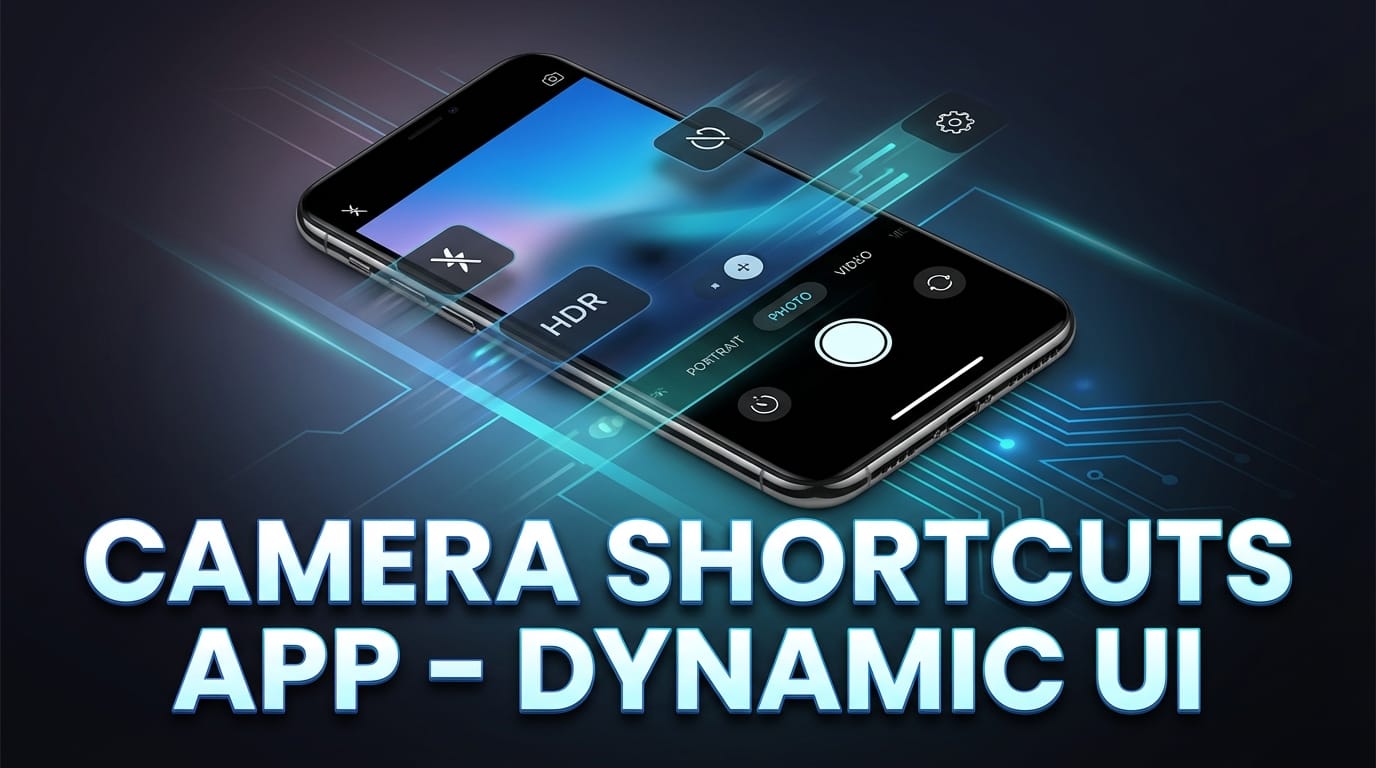
Camera Shortcuts App – Dynamic UI – Smartphones have evolved. They’re no longer just devices — they’re extensions of us. Think about it. How many times do you open your front camera in a day? For selfies, video calls, quick checks before meetings, or social media uploads? Probably more than you realize.
That’s where Selfie Camera Shortcuts with Dynamic UI (Material Capsule style) step in. It’s fast. It’s fluid. And honestly? It feels futuristic.
What Is a Dynamic UI?
A Dynamic UI (User Interface) adapts in real time. Instead of static icons sitting on your screen doing nothing, elements expand, shrink, animate, and respond intelligently.
Imagine a small capsule at the top of your screen. You tap it — boom — camera opens. You swipe — filters appear. It’s not just a button. It’s alive.
Why Shortcuts Matter in Today’s Fast-Paced World
We live in the age of instant everything. Instant messages. Instant reels. Instant uploads.
Waiting even three seconds feels slow.
Selfie camera shortcuts reduce friction. No digging through apps. No unlocking layers of menus. Just tap and shoot.
Simple.
Understanding the Concept of Material Capsule Design
What Is a Material Capsule?
A Material Capsule is a pill-shaped UI element that expands and contracts dynamically. It acts like a smart notification hub — compact when idle, interactive when active.
Think of it like a tiny floating assistant.
Inspiration Behind Capsule-Based Interfaces
Modern UI design focuses on minimalism and motion. Instead of cluttered screens, capsule interfaces give you clean space while keeping power accessible.
It’s like having a Swiss army knife hidden in your pocket — small outside, powerful inside.
Evolution from Static Icons to Dynamic Islands
Earlier, we had simple app icons.
Then widgets.
Now? Dynamic islands — smart capsules that change based on activity.
The transformation is massive. From flat and boring to interactive and immersive.
What Are Selfie Camera Shortcuts?
The Need for Instant Camera Access
Ever missed the perfect selfie moment because you were unlocking your phone?
Exactly.
Selfie camera shortcuts eliminate delay. They place the front camera literally one tap away.
Traditional vs Dynamic Shortcuts
Traditional shortcut:
- Static icon
- Fixed position
- No animation
- No context awareness
Dynamic shortcut:
- Expands on tap
- Shows live preview
- Offers quick filters
- Responds to gestures
See the difference?
It’s like comparing a landline phone to a smartphone.
How Dynamic Island-Style UI Enhances Selfie Experience
Floating Capsule Notifications
The floating capsule sits at the top or edge of the screen. When activated, it morphs into a camera control hub.
No clutter.
No distraction.
Just clean functionality.
Real-Time Camera Controls
Inside the expanded capsule, you can:
- Switch camera modes
- Apply beauty filters
- Adjust brightness
- Enable HDR
All without opening a full-screen camera app.
Gesture-Based Interactions
Swipe up to expand.
Swipe down to close.
Long press for advanced settings.
It feels intuitive. Almost like the phone understands you.
Key Features of Selfie Camera Dynamic Shortcuts
Quick Launch from Home Screen
Tap the capsule — front camera opens instantly.

No waiting.
No loading screens.
One-Tap Filters and Effects
Want a soft glow? Vintage vibe? Sharp contrast?
One tap inside the capsule applies it.
Boom. Ready.
AI Beauty Enhancements
Dynamic UI often integrates AI-driven enhancements like:
- Skin smoothing
- Face contouring
- Eye brightening
- Background blur
And it happens in real time.
Instant Sharing Controls
After clicking a selfie, the capsule can expand to show:
- Share to social apps
- Copy link
- Save to gallery
Speed matters. And this design respects that.
Benefits of Using Material Capsule UI for Selfies
Speed and Convenience
Time is currency.
A shortcut saves seconds. Seconds add up.
Minimal Distraction Interface
Full-screen apps can overwhelm. Notifications pop up. Tabs confuse you.
Capsule UI keeps it focused.
Just what you need. Nothing extra.
Improved Multitasking
You can take a selfie while:
- Watching a video
- Browsing social media
- Reading messages
The capsule overlays without interrupting your flow.
That’s powerful.
Customization Options in Dynamic Selfie UI
Personalizing Capsule Size
Small and subtle? Or slightly larger for easier tapping?
You decide.
Choosing Shortcut Actions
Some users prefer:
- Direct selfie mode
- Portrait mode
- Video selfie
- Beauty cam
You can assign the default action.
Theme and Color Adaptation
Dark mode? Light mode? Custom colors?
The capsule adapts automatically to system themes, keeping the interface visually consistent.
User Experience and Accessibility
Smooth Animations and Transitions
Fluid animation makes everything feel premium.
No lag. No jerky motion.
It’s like butter sliding on warm toast.
Accessibility for All Users
Dynamic UI can support:
- Larger touch areas
- Voice activation
- Haptic feedback
That means it’s usable for everyone — not just tech experts.
Performance Optimization and Battery Efficiency
Lightweight Design
Unlike heavy widgets, capsule-based UI runs in the background efficiently.
It consumes minimal RAM.
Smart Resource Management
The camera activates only when needed. It doesn’t stay running unnecessarily.
Better battery life.
Better performance.
Win-win.
Privacy and Security Considerations
Camera Permission Control
The UI respects system-level permissions.

If camera access is disabled, it won’t activate.
Simple.
Secure Data Handling
Selfies stay on your device unless you choose to share.
No hidden background uploads.
Privacy matters.
Comparison with Traditional Camera Widgets
Static Widgets vs Dynamic Capsules
Static widgets:
- Take more screen space
- Offer limited functionality
- No animation
Dynamic capsules:
- Compact
- Interactive
- Context-aware
Why Dynamic UI Wins
Because it adapts.
It evolves.
It feels modern.
Static widgets feel like yesterday’s technology.
The Future of Selfie Camera Interfaces
AI Integration
Future versions could:
- Auto-detect best lighting
- Suggest best angle
- Recommend filters based on mood
Smart photography without effort.
Augmented Reality Enhancements
AR filters, face tracking, 3D effects — all accessible from a capsule interface.
Gesture-Free Controls
Imagine raising your eyebrows to capture a selfie.
Or smiling to auto-click.
Sounds futuristic? It’s closer than you think.
Who Should Use Dynamic Selfie Camera Shortcuts?
Content Creators
Quick capture means never missing trending moments.
Social Media Enthusiasts
Faster selfies = faster uploads = more engagement.
Everyday Smartphone Users
Even if you just take casual selfies, why not make it easier?
Conclusion
Selfie Camera Shortcuts powered by Dynamic UI (Material Capsule style) are not just a feature — they’re a shift in how we interact with our phones.
It’s about speed.
It’s about elegance.
It’s about making technology feel invisible and intuitive.
Instead of opening apps and navigating menus, you simply tap a living, breathing capsule that responds instantly.
That’s the beauty of modern UI design — less clutter, more control.
And once you use it? Going back feels impossible.
FAQs
1. What is a Dynamic Material Capsule UI?
It’s a pill-shaped interactive interface element that expands and contracts to provide quick access to features like the selfie camera.
2. Does Dynamic UI consume more battery?
No. It is optimized to activate resources only when needed, making it efficient.
3. Can I customize selfie shortcuts in capsule UI?
Yes, most implementations allow customization of actions, size, and appearance.
4. Is it secure to use dynamic selfie shortcuts?
Yes, it follows system-level permission rules and does not access the camera without approval.
5. Is Dynamic Island-style UI better than traditional widgets?
Absolutely. It’s more interactive, space-saving, and responsive compared to static widgets.