Introduction
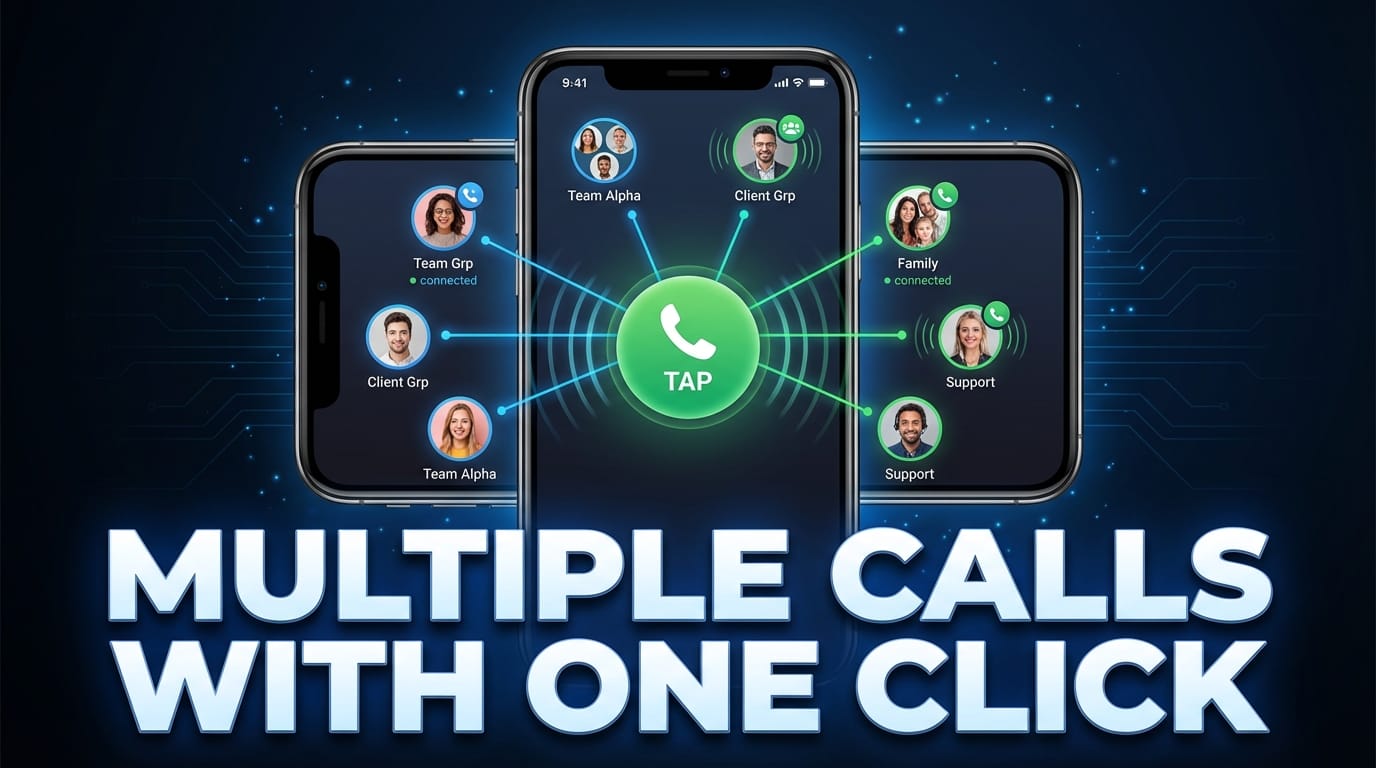
Multiple Calls with One Click – Have you ever needed to call 10, 20, or even 50 people one after another? Maybe you were confirming event attendance, following up with clients, or trying to reach your delivery team. Dialing each number manually feels like climbing a hill with heavy luggage, right?
That’s where multiple calls with one click comes in. It’s like having a digital assistant who dials numbers for you automatically. One tap. That’s it.
Why Traditional Dialing Is Outdated
Let’s be honest. Manually searching contacts, tapping numbers, waiting, redialing—it’s slow. And in today’s world, slow means lost opportunities.
If you’re running a business or handling urgent communication, every second matters. Traditional dialing just doesn’t keep up anymore.
The Rise of Smart Calling Solutions
Smartphones are powerful. We use them for banking, shopping, and meetings. So why not smarter calling too?
One-click multiple calling solutions are designed to automate repetitive tasks. They remove friction and make communication smoother.
What Does “Multiple Calls with One Click” Really Mean?
It means you can select multiple contacts and initiate automatic calling in sequence with just one tap.
Automated Sequential Calling Explained
Instead of dialing numbers one by one, the system automatically calls each contact from your selected list. Once one call ends, it moves to the next.
Simple. Efficient. No manual effort.
How It Differs from Group Calling
Don’t confuse this with conference calling.
- Conference call = everyone joins the same call.
- Multiple one-click calls = individual calls made automatically one after another.
It’s perfect when you need personal communication, not group discussions.
Why People Need Multiple Calling Features
Let’s look at real-world situations.
For Business Owners
Running a small business? You may need to call customers for order confirmation or payment reminders. Instead of spending hours dialing, you can automate it.
For Sales Teams
Sales is a numbers game. The more calls you make, the more chances you get. One-click calling helps sales reps focus on talking—not dialing.
For Emergency Situations
Imagine needing to reach your family members urgently. Instead of panicking and dialing repeatedly, you can trigger multiple calls instantly.
For Personal Use
Planning a party? Organizing a trip? Want to remind friends about an event? Quick bulk calling makes it easier.
Key Features of One-Click Calling Apps
Bulk Contact Selection
You can select multiple contacts directly from your phonebook. No need to type numbers manually.
Auto Redial Function
What if someone doesn’t answer?
The system can automatically redial after a set time.

Smart Retry Logic
It doesn’t just call randomly. It waits, retries based on settings, and follows a structured pattern.
Custom Call Delay Settings
You can set a delay between calls—like 5 seconds, 10 seconds, or more. This keeps the process organized.
Easy-to-Use Interface
No complicated setup. Usually, it’s:
- Select contacts
- Set call settings
- Tap start
That’s it.
How One-Click Multiple Calling Works
Curious about what happens behind the scenes?
Step-by-Step Setup
- Install the calling tool
- Grant necessary permissions
- Select contacts
- Set delay and retry options
- Tap “Start”
The system begins dialing automatically.
Permissions and Safety
These apps usually require:
- Call permission
- Contact access
Always review permissions carefully and use trusted tools only.
Benefits of Using Multiple Call Automation
Time-Saving
Imagine saving 2–3 seconds per call setup. Multiply that by 100 calls. That’s several minutes—maybe even hours—saved.
Increased Productivity
Instead of focusing on dialing, you focus on conversation quality.
Reduced Manual Errors
No more misdialing wrong numbers. Automation ensures accuracy.
Improved Communication Speed
Need quick outreach? One click handles it.
Who Can Benefit the Most?
Real Estate Agents
Property updates. Client follow-ups. Site visit confirmations. All easier.
Delivery Services
Inform customers about delivery status quickly.
Event Managers
Remind attendees without manually dialing everyone.
Small Business Owners
From tuition teachers to shop owners—bulk calling simplifies communication.
Is It Safe to Use?
Yes—if used responsibly.
Privacy Considerations
Choose tools that:
- Don’t store your contacts externally
- Don’t share data
Always read reviews and permissions.
Responsible Usage
Never misuse bulk calling for spam or harassment. That can lead to legal trouble.

Use it for genuine communication only.
Tips to Use Multiple Calling Effectively
Avoid Spamming
Repeated unwanted calls can damage your reputation.
Maintain Professional Etiquette
Prepare a simple script before calling. Keep conversations clear and polite.
Keep Call Scripts Ready
If you’re calling many people for the same reason, prepare what you’ll say. It saves time and avoids confusion.
Common Mistakes to Avoid
- Selecting wrong contacts
- Setting zero delay between calls
- Ignoring call limits
- Using it without informing recipients
Always double-check settings before starting.
Comparing Manual Calling vs One-Click Calling
| Manual Calling | One-Click Calling |
|---|---|
| Time-consuming | Time-efficient |
| High manual effort | Automated |
| Easy to misdial | Accurate |
| Slower outreach | Faster communication |
It’s like walking vs driving a car. Both reach the destination—but one is faster.
Future of Smart Calling Technology
Automation is growing everywhere. From chatbots to email automation, smart tools are taking over repetitive tasks.
In the future, we may see:
- AI-based call scheduling
- Voice-assisted bulk calling
- Smart analytics for call success rates
Communication will only get smarter.
Conclusion
Multiple calls with one click isn’t just a feature—it’s a productivity booster.
Whether you’re a business owner, sales executive, event planner, or just someone who values time, automated calling simplifies life. It removes repetitive dialing and lets you focus on meaningful conversations.
Time is money. And smart calling helps you save both.
FAQs
1. Can I call multiple people at the same time?
No, it usually calls them one after another automatically, not simultaneously.
2. Is one-click calling legal?
Yes, if used responsibly and not for spam or harassment.
3. Does it work without internet?
Most tools work using your regular phone network, not internet.
4. Can I set the number of retries?
Yes, many tools allow custom retry settings.
5. Is it suitable for small businesses?
Absolutely. It’s especially helpful for businesses that need frequent client communication.