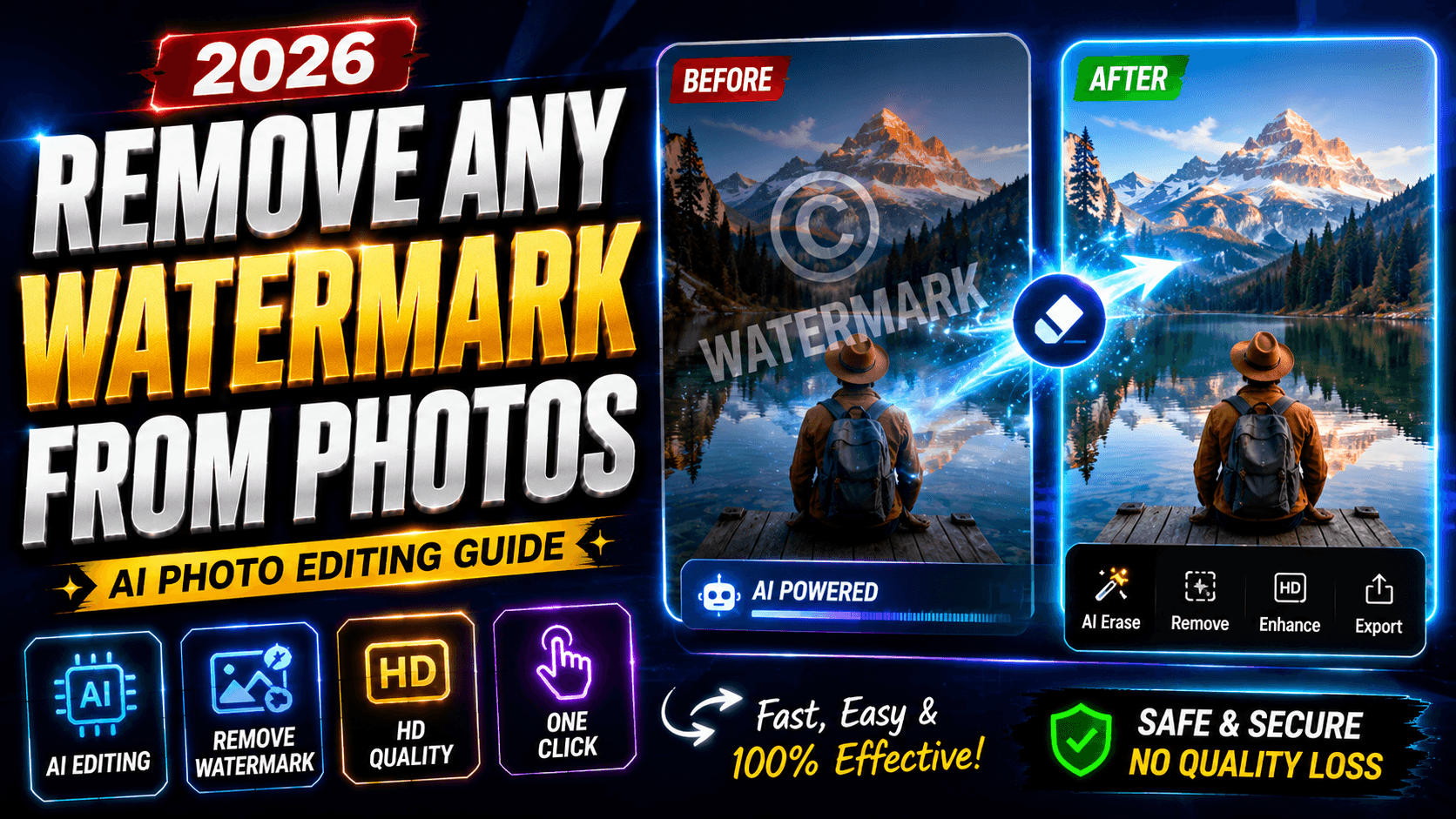
Understanding Watermarks in Digital Images
Remove Any Watermark from Photo – If you’ve ever downloaded an image, edited a photo, or worked with digital content online, you’ve probably encountered a watermark. A watermark is typically a logo, text, symbol, or graphic overlay placed on top of an image to indicate ownership, branding, or copyright protection. Businesses, photographers, stock image providers, and content creators use watermarks to prevent unauthorized use of their work. While watermarks serve an important purpose, there are many legitimate situations where users need to remove distracting elements from images they own or have permission to edit.
The demand for image cleanup tools has increased dramatically as photo editing becomes more accessible to everyday users. Recent industry reports show that photo and video applications generated nearly 5.95 billion downloads in 2025, highlighting the growing interest in image editing and content creation worldwide. AI-powered editing features are among the fastest-growing categories in the industry, making advanced photo cleanup available to everyone, not just professional designers.
Why Companies Add Watermarks
Companies use watermarks for several reasons. The primary purpose is copyright protection. By placing a visible mark on an image, creators can discourage unauthorized copying and redistribution. Watermarks also serve as branding tools, helping businesses gain visibility whenever their images are shared across websites and social media platforms.
Photographers often use watermarks to showcase ownership while displaying portfolios online. Stock image providers rely on them to encourage users to purchase licensed versions. In many cases, watermarks are simply part of a company’s marketing strategy. Understanding their purpose helps users appreciate why these overlays exist while recognizing that there are also legitimate editing needs that involve removing visual distractions from authorized images.
Different Types of Watermarks
Not all watermarks look the same. Some are transparent logos positioned in the corner of an image, while others stretch across the entire photo. Text-based watermarks are common, especially on stock photography websites. Pattern-based watermarks repeat across an image to make unauthorized use more difficult.
Modern AI tools can handle many of these watermark types with remarkable accuracy. Whether dealing with subtle transparency effects or large branded overlays, today’s image editing technology uses intelligent reconstruction methods to restore underlying image details. This capability has transformed what was once a time-consuming editing task into a process that can often be completed in seconds.
Why People Want to Remove Watermarks
The reasons for removing watermarks vary widely. Some users want to restore personal images that contain unwanted text overlays. Others may need to clean up archived photographs or screenshots that include distracting elements. Content creators frequently seek cleaner visuals for presentations, educational materials, or internal business projects.
Watermark removal technology is also valuable for removing timestamps, date stamps, logos, labels, and other visual interruptions that reduce image quality. The goal isn’t always copyright-related. Often, users simply want a cleaner, more professional-looking photo that focuses attention on the main subject rather than an unnecessary overlay.
Personal Photo Restoration
Many people discover old family photographs that contain date stamps, labels, or intrusive markings. These visual elements can distract from precious memories. Modern editing tools allow users to restore these images while preserving important details. AI-powered cleanup algorithms analyze surrounding pixels and intelligently reconstruct missing portions of the photograph.
The result often feels like repairing a damaged painting. Instead of manually recreating every missing detail, the software studies the image’s patterns and textures to produce a natural-looking restoration. This technology has made photo restoration accessible even to beginners with little editing experience.
Professional Content Creation
Businesses, marketers, bloggers, and social media creators constantly work with images. Clean visuals improve engagement, professionalism, and brand perception. Removing unwanted elements helps maintain visual consistency across campaigns and presentations.
As AI editing technology continues to evolve, creators can spend less time on tedious manual corrections and more time producing compelling content. Industry research suggests that AI-powered editing features significantly improve productivity and user retention across modern editing platforms.
Modern AI Technology Behind Watermark Removal
The biggest breakthrough in watermark removal comes from artificial intelligence. Traditional editing methods often required advanced skills and extensive manual work. AI changes the process by automatically identifying unwanted objects and rebuilding missing image content.
Object Detection and Reconstruction
AI systems begin by identifying the area selected for removal. Advanced computer vision models recognize patterns, edges, colors, and textures surrounding the watermark. Once the unwanted object is isolated, the software predicts what should exist underneath.
Think of it like completing a jigsaw puzzle with missing pieces. The AI examines nearby visual information and generates a realistic continuation of the image. This process allows backgrounds, textures, and objects to appear natural even after the watermark disappears.
Context-Aware Image Filling
Context-aware filling is one of the most impressive developments in image editing. Rather than simply copying nearby pixels, AI analyzes the entire scene to understand visual relationships. This enables more accurate reconstruction of complex backgrounds such as landscapes, architecture, skin textures, clothing patterns, and natural scenery.

Research into AI-generated image editing continues to advance rapidly. Market analysts estimate that AI-powered editing solutions are among the fastest-growing segments within the broader photo editing industry, reflecting strong consumer demand for intelligent editing features.
Features to Look for in a Watermark Removal Tool
Not all editing tools are created equal. Some provide basic functionality, while others deliver professional-grade results. Choosing the right solution can make a significant difference in output quality.
One-Tap Object Removal
One of the most valuable features is one-tap object removal. Instead of performing complicated selections, users simply highlight the unwanted area and let AI handle the rest. This approach reduces editing time and makes advanced tools accessible to beginners.
Speed matters, especially for users processing multiple images. Efficient AI systems can complete edits in seconds while maintaining visual quality. This balance between simplicity and performance has become a key differentiator in the modern editing landscape.
Precision Brush Selection
While automatic tools are convenient, precision matters when dealing with detailed images. Brush-based selection allows users to carefully mark the exact area they want removed. This control is especially useful when working near important subjects, facial features, or intricate backgrounds.
Combining manual selection with AI reconstruction offers the best of both worlds. Users maintain control while the software handles the technically challenging reconstruction process.
High-Resolution Export
Image quality should never be sacrificed during editing. High-resolution export ensures that cleaned photos remain sharp and suitable for printing, publishing, or professional presentations. A quality editing tool preserves image details while producing natural-looking results.
For content creators and businesses, maintaining resolution is essential. Blurry outputs can undermine the professionalism of an otherwise excellent visual asset.
Step-by-Step Guide to Remove Watermarks from Photos
Removing a watermark is easier than many people expect. Modern tools simplify the process into a few straightforward steps.
Importing the Image
Begin by loading the image into your preferred editing tool. Most modern applications support common formats such as JPG, PNG, and HEIC. After importing, inspect the watermark location and determine the best selection method.
A clear view of the image helps ensure accurate editing. Zooming in can be particularly useful when dealing with small or intricate watermark designs.
Selecting the Watermark
Use the brush, lasso, or selection tool to highlight the unwanted watermark. Try to cover the entire mark without selecting unnecessary portions of the image. Precision improves the quality of the final result.
Once selected, the AI system analyzes the highlighted area and surrounding image data. This analysis forms the foundation for successful reconstruction and cleanup.
Processing and Saving
After processing, review the result carefully. If necessary, repeat the removal process for any remaining artifacts. Most AI-powered tools allow multiple passes to refine the image further.
When satisfied, save the image in the desired format and resolution. The final photo should appear clean, natural, and free from distracting overlays.
Common Challenges and How AI Solves Them
Watermark removal is not always straightforward. Some images contain complex textures, repeating patterns, or large branded overlays that create unique challenges.
Complex Backgrounds
Detailed backgrounds such as forests, cityscapes, and patterned surfaces can be difficult to reconstruct manually. AI excels in these scenarios because it analyzes broader image context rather than relying solely on nearby pixels.
This broader understanding enables more convincing restorations that preserve the natural appearance of the scene.

Large Watermarks
Large watermarks require extensive reconstruction. Older editing techniques often left visible artifacts or blurry patches. Modern AI systems generate entirely new content when necessary, dramatically improving visual quality.
This capability represents one of the most significant advancements in image editing technology over the past few years.
AI Watermark Removal vs Manual Editing
The difference between AI-assisted editing and traditional manual methods is substantial.
| Feature | AI Editing | Manual Editing |
|---|---|---|
| Speed | Seconds | Minutes or Hours |
| Skill Required | Beginner Friendly | Advanced |
| Consistency | High | Depends on Experience |
| Large Watermarks | Effective | Difficult |
| Complex Backgrounds | Strong Performance | Time-Consuming |
Speed Comparison
AI dramatically reduces editing time. Tasks that once required professional expertise can now be completed quickly by casual users. This efficiency is one reason AI editing features have become so popular across mobile and desktop platforms.
Quality Comparison
Quality depends on the image and tool being used, but modern AI often delivers results that rival professional manual editing. Improvements in machine learning models continue to close the gap between automated and expert workflows.
Best Use Cases for Watermark Removal Technology
Watermark removal technology extends beyond traditional photo editing. It can help restore old photographs, remove timestamps, eliminate distracting text overlays, clean screenshots, improve marketing materials, and refine social media content.
Businesses use these tools to maintain consistent branding. Educators use them to improve teaching materials. Content creators rely on them to enhance visual storytelling. The flexibility of AI-powered cleanup makes it valuable across countless creative and professional scenarios.
As editing technology becomes more sophisticated, users gain access to capabilities that were once limited to advanced desktop software. Mobile devices now offer surprisingly powerful editing experiences, bringing professional-quality tools directly into people’s hands.
Future of AI-Powered Photo Cleanup
The future of photo editing looks incredibly promising. Analysts project continued growth across AI-powered editing markets, driven by increasing demand for automation, convenience, and high-quality visual content. Advanced reconstruction algorithms, generative editing, and context-aware image understanding will continue improving over the coming years.
We’re moving toward a world where complex edits require little technical knowledge. Users will increasingly interact with editing tools using natural language commands, while AI handles the underlying technical work. The result is faster workflows, better images, and broader accessibility for creators of all skill levels.
Conclusion
Removing unwanted watermarks from photos has become significantly easier thanks to modern AI technology. What once required professional editing expertise can now be accomplished through intuitive tools that intelligently detect, remove, and reconstruct image content. Whether you’re restoring personal memories, improving business visuals, or enhancing creative projects, AI-powered photo cleanup provides a fast and effective solution.
As artificial intelligence continues advancing, image restoration and object removal will become even more accurate, natural, and accessible. The future of photo editing isn’t just about removing distractions—it’s about empowering anyone to create cleaner, more professional visuals with minimal effort.
FAQs
1. Can AI remove watermarks automatically?
Yes. Modern AI-powered editing tools can identify selected watermarks and reconstruct the underlying image with minimal manual effort.
2. Does watermark removal reduce image quality?
Quality depends on the tool and image complexity. High-quality AI solutions are designed to preserve resolution and maintain natural-looking results.
3. Can watermark removal work on complex backgrounds?
Yes. Advanced AI systems analyze surrounding textures and patterns to rebuild detailed backgrounds more effectively than traditional methods.
4. Is AI watermark removal faster than manual editing?
Absolutely. AI can complete many edits within seconds, while manual editing often requires significantly more time and expertise.
5. What other objects can these tools remove?
In addition to watermarks, many tools can remove logos, text overlays, date stamps, unwanted objects, blemishes, wires, and background distractions.