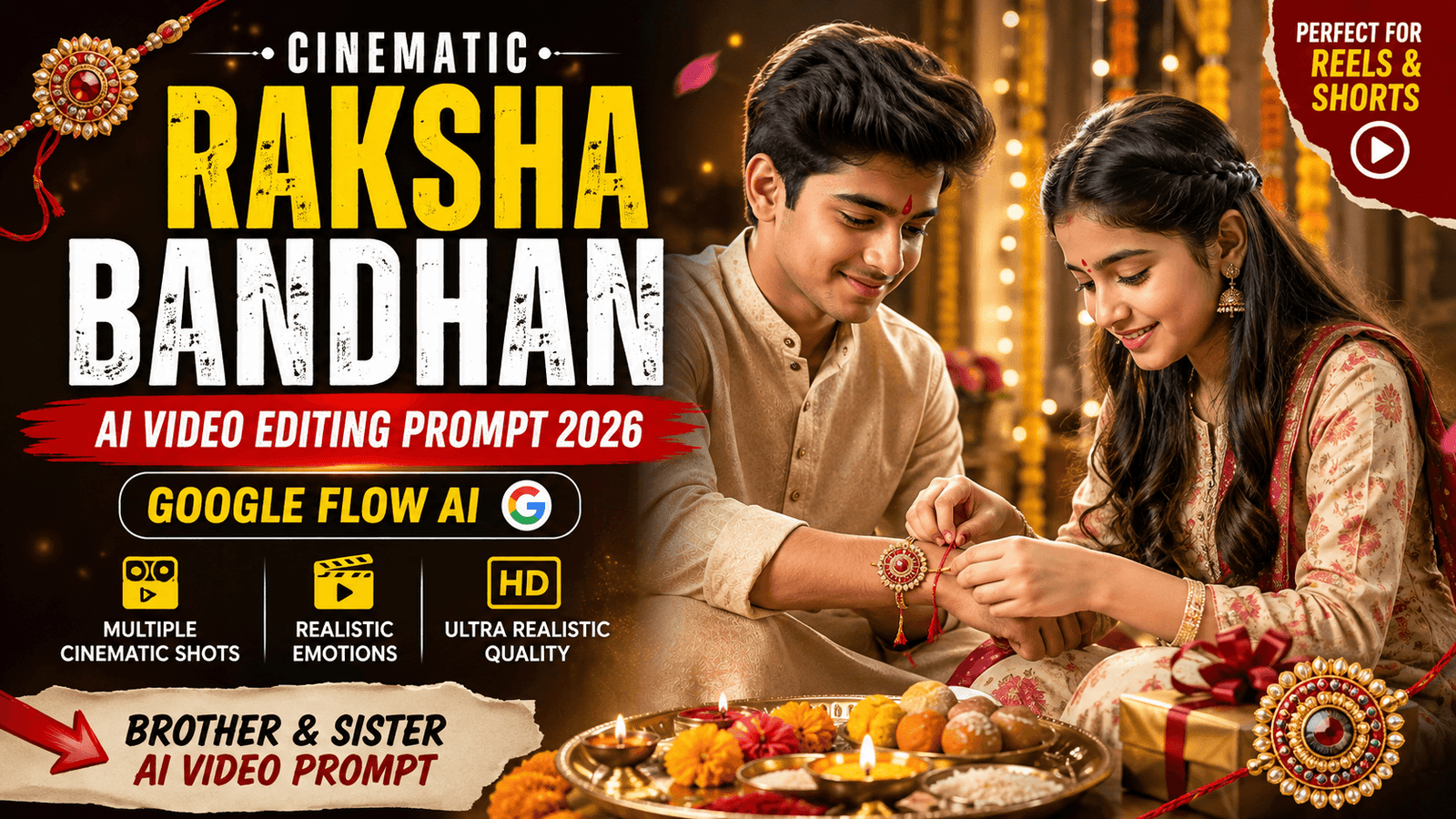
Create Cinematic Rakhi Video with Google Flow AI
Raksha Bandhan AI Video Prompt 2026 – Raksha Bandhan is one of the most emotional and beautiful Indian festivals that celebrates the special bond between brother and sister. But now, with the help of AI video generation tools like Google Flow, you can transform your normal brother-sister photos into a stunning cinematic Raksha Bandhan video.
In this article, you will get a powerful AI video prompt to create a realistic Rakhi video with natural expressions, smooth camera movements, beautiful festive decorations, and consistent facial identity.
All you need is a clear photo of the brother and sister and the detailed prompt given below.
How to Create Raksha Bandhan AI Video?
Creating your own Raksha Bandhan AI video is very simple.
Step 1: Choose Clear Photos
First, select clear and high-quality photos of the brother and sister. Make sure their faces are clearly visible.
Step 2: Open Google Flow AI
Open Google Flow or any AI video generator that supports image-to-video generation.
Step 3: Upload Reference Images
Upload the brother and sister photos as reference images.
Step 4: Add the Video Prompt
Copy the cinematic Raksha Bandhan video prompt given below and paste it into the prompt box.
Step 5: Set Video Duration
If you are using Google Flow, generate the video in separate 10-second clips for better results and smooth continuity.
Step 6: Generate the Video
Click Generate and wait for the AI to create your cinematic Raksha Bandhan scene.
Step 7: Combine the Clips
After generating multiple clips, combine them in CapCut, VN, or any video editing app. Add emotional Raksha Bandhan music, sound effects, and a beautiful ending text.
🎬 Raksha Bandhan AI Video Prompt
Clip 1 – Cinematic Rakhi Ceremony
Prompt:
Create a vertical 9:16 ultra-realistic cinematic Raksha Bandhan video using the uploaded brother photo and sister photo as the two main characters. Preserve their exact facial identity, facial features, hairstyle, skin tone and overall appearance. Do not change their faces.
IMPORTANT: Create this video with multiple distinct cinematic shots and smooth professional cuts, not one single continuous shot.
SHOT 1 — 0 to 2.5 seconds
A beautiful cinematic wide establishing shot. The brother and sister are sitting together in an elegant Indian festive indoor setting. Warm golden fairy lights, soft flower decorations and a premium Raksha Bandhan atmosphere. Both look naturally happy. Slow cinematic camera push-in.
SHOT 2 — 2.5 to 5 seconds
Cut to a medium close-up from the side. The sister smiles warmly and gently takes the brother's hand, preparing to tie a beautiful Rakhi around his wrist. The brother naturally looks at his sister with a soft smile.
SHOT 3 — 5 to 7.5 seconds
Cut to an extreme close-up of the sister's hands carefully tying the Rakhi around the brother's wrist. Focus on the Rakhi details, realistic hands and fingers, cinematic shallow depth of field, warm golden lighting.
SHOT 4 — 7.5 to 10 seconds
Cut to a beautiful close-up of both faces. The sister finishes tying the Rakhi and looks emotionally at her brother. The brother smiles lovingly at her. End on this warm emotional sibling moment.
Style: ultra-realistic, premium cinematic Indian festival commercial, multiple camera angles, smooth natural cuts, realistic facial expressions, realistic hands, warm golden lighting, soft background bokeh, natural movement.
No face change, no identity change, no extra fingers, no distorted hands, no outfit change, no text, no subtitles.
🎬 Clip 2 – Rakhi Tying and Emotional Ending
Prompt:
Create a separate vertical 9:16 ultra-realistic cinematic Raksha Bandhan video using the same uploaded brother photo and sister photo. Preserve their exact facial identity, facial features, hairstyle, skin tone and overall appearance. Keep the same festive location, outfits and visual style as Clip 1.
IMPORTANT: This must have multiple distinct cinematic shots with smooth professional cuts. Do not create one single continuous shot.
SHOT 1 — 0 to 2.5 seconds
A cinematic close-up of the brother looking down at the beautiful Rakhi already tied on his wrist. He gently touches the Rakhi and smiles emotionally. Soft golden bokeh in the background.
SHOT 2 — 2.5 to 5 seconds
Cut to a medium shot. The brother lovingly gives his sister a beautiful small gift box. The sister happily accepts the gift with a surprised and emotional smile. Natural realistic hand movement.
SHOT 3 — 5 to 7.5 seconds
Cut to a close-up of the sister holding the gift and smiling happily. Then she looks at her brother with genuine love and gratitude. Warm emotional Raksha Bandhan feeling.
SHOT 4 — 7.5 to 10 seconds
Cut to a cinematic wide hero shot of both brother and sister sitting together and smiling warmly at each other. Slow camera pull-back revealing the beautiful festive decorations and golden lights. End with a premium emotional family celebration frame.
Style: ultra-realistic, cinematic, premium Indian Raksha Bandhan advertisement, multiple professional camera shots, smooth cuts, warm golden festive lighting, natural expressions, realistic body and hand movements, shallow depth of field.
No face change, no identity change, no extra fingers, no distorted hands, no outfit changes, no text, no subtitles.
🎬 Bonus Clip – Rakhi Tying
Prompt:

Create a realistic cinematic Indian Raksha Bandhan celebration video using the two uploaded reference photos as the exact brother and sister characters. Preserve their exact facial identity, hairstyle, skin tone, body proportions, and overall appearance from the uploaded photos. Do not change their faces.
Scene: A warm, elegant indoor Indian festive setting decorated with soft golden fairy lights, traditional flowers, and a beautiful Rakhi celebration atmosphere. The sister wears a graceful white traditional outfit and the brother wears a stylish red kurta. They sit facing each other naturally on the floor near a traditional festive setup.
Start with a warm medium-wide cinematic shot showing both brother and sister smiling naturally at each other. The sister gently takes the brother's right hand and lovingly starts tying a beautiful Rakhi around his wrist. Show close-up cinematic details of her hands, the Rakhi, and the brother's wrist. Both should have natural emotional expressions, soft smiles, and realistic hand movements.
Camera movement should be slow, smooth, and cinematic with shallow depth of field and warm golden bokeh lights in the background. Realistic Indian festive lighting, premium cinematic look, natural body movement, no exaggerated expressions, no face distortion, no extra fingers, no identity changes.
Important: The sister should be in the middle of carefully tying the Rakhi when the clip ends, so the exact action can continue seamlessly in Clip 2.
Duration: exactly 10 seconds.
✨ What Makes This Raksha Bandhan AI Video Special?
This AI video prompt is designed to make your Raksha Bandhan video look more realistic and cinematic.
- Exact brother and sister identity preservation
- Multiple cinematic camera shots
- Realistic Rakhi tying action
- Natural facial expressions
- Detailed festive Indian decorations
- Smooth camera movement
- Beautiful close-up shots
- Warm golden lighting
- Emotional sibling moments
- Better continuity between Clip 1 and Clip 2
- Perfect for Instagram Reels and YouTube Shorts
💡 Tips for Better AI Video Results
For the best results, follow these tips:
Use High-Quality Photos
Use clear photos with visible faces. Avoid blurry, heavily filtered or low-quality images.
Keep the Same Reference Images
Use the same brother and sister reference images for every clip. This helps maintain facial consistency.
Generate Videos in Separate Clips
Instead of trying to create a long video in one generation, create separate 10-second clips.
For example:
Clip 1: Brother and sister sitting + sister picks up Rakhi
Clip 2: Rakhi tying + emotional ending
This gives you better control over the final video.
Mention Continuity in the Next Clip
Always write “Continue seamlessly from the previous clip” in the second prompt. Also mention that the characters, outfits and background should remain exactly the same.
Regenerate If Hands Look Incorrect
AI video generators sometimes create distorted hands or fingers. If this happens, regenerate the clip until you get a clean result.
🎥 Best Video Ratio for Raksha Bandhan Video
For different platforms, you can use:
- Instagram Reels: 9:16
- YouTube Shorts: 9:16
- WhatsApp Status: 9:16
- YouTube Videos: 16:9
- Facebook Reels: 9:16
For social media, 9:16 vertical format is the best option.
Frequently Asked Questions
1. Can I create a Raksha Bandhan AI video from one photo?
Yes. If your AI video tool supports image-to-video generation, you can use a single photo containing both the brother and sister.
2. Why does AI change the face?
AI can sometimes change facial features during video generation. To reduce this problem, use clear reference images and include strong identity-preservation instructions in the prompt.

3. Can I change the outfits?
Yes. You can replace the outfit description according to your preferred Raksha Bandhan look.
4. How can I create a longer Rakhi video?
Create multiple 10-second clips and connect them in a video editing app.
You can create scenes like:
Scene 1 → Brother and Sister Introduction
Scene 2 → Tilak Ceremony
Scene 3 → Rakhi Tying
Scene 4 → Sweet Feeding
Scene 5 → Gift Giving
Scene 6 → Emotional Happy Raksha Bandhan Ending
5. Which AI tool is best for this video?
You can use Google Flow or any AI video generator that supports reference images and image-to-video generation.
Create Your Own Cinematic Raksha Bandhan Memory
With the right reference photo and a detailed AI prompt, you can turn a simple brother-sister picture into a beautiful cinematic Raksha Bandhan memory.
The combination of realistic facial expressions, festive decorations, emotional moments, smooth camera movement and detailed AI prompting can make your final video look premium and professional.
Create your own Raksha Bandhan AI video, share it with your family and post it on Instagram Reels, YouTube Shorts, WhatsApp Status and Facebook.
Happy Raksha Bandhan! ❤️✨
Tags
Raksha Bandhan AI Video Prompt, Rakhi Video Editing Prompt 2026, Google Flow AI Video Prompt, Cinematic Raksha Bandhan Video, Brother Sister AI Video Prompt, Rakhi AI Video Generator, AI Festival Video Prompt, Google Flow Prompt, Raksha Bandhan Reels Prompt, AI Video Editing 2026