
 Saiteja
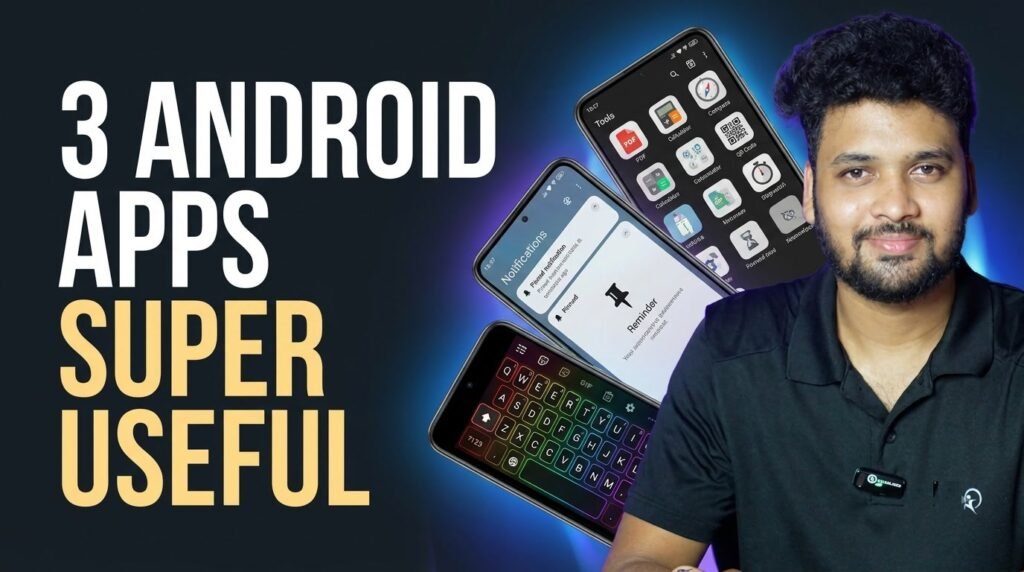
Your Android phone can do a lot more with the right apps. Here are 3 useful Android apps that make day-to-day life easier: one app with 100+ free tools, one that pins your important reminders right in the notification shade, and a keyboard you can style exactly the way you like.
Table of Contents
Quick Overview
| App | What it does | Price |
|---|---|---|
| ToolBox: 100+ Tools, AI & PDF | 108 tools for PDF, AI, image, video, audio and sensors, mostly offline | Free (contains ads) |
| Pinnit | Create, pin and schedule your own notifications | Free (in-app purchases) |
| Kyng Keyboard: Themes & Sound | Keyboard styles, colour themes, fonts and typing sounds | Free (optional one-time Pro) |
1. ToolBox: 100+ Tools, AI & PDF
ToolBox by Polivant Media packs 108 everyday tools into one app. Your files stay on your phone, there is no sign-up, and almost every tool works 100% offline.
- PDF tools (35): compress, merge, split, JPG to PDF, PDF to Word, OCR, password protect and more
- AI tools (on-device): background remover, OCR text scanner, face blur, offline translator, voice to text
- Image tools: compress to exact KB, resize, crop, passport photo, collage maker
- Video tools: compress, trim, video to audio, video to GIF, crop for Reels and Shorts
- Audio tools: trimmer, merger, converter, voice recorder
- Sensors and calculators: compass, spirit level, sound meter, GST, EMI, SIP and BMI calculators
Download ToolBox on Google Play
2. Pinnit
Pinnit by Sasikanth Miriyampalli helps you never forget an important task. You create your own notification, pin it, and it stays in your notification shade. Every time you open your phone, the reminder is right there.
- Create and pin your own notifications
- Schedule notifications as reminders
- Notification history with search and filters
- Add notes to notifications from other apps
- Light, dark and dynamic colour themes
Download Pinnit on Google Play

3. Kyng Keyboard: Themes & Sound
Kyng Keyboard by Aionyxe turns your keyboard into something you actually enjoy typing on. Pick a style, a colour theme and a typing sound you like.
- 47 keyboard styles, from typewriter keys to cyberpunk
- 122 colour themes, or build your own
- Typing sound packs modelled on real keyboards
- Change the font on your keys
- Typing effects and RGB lighting
- Free to use, no ads; Pro features are a one-time purchase
Download Kyng Keyboard on Google Play
Watch the Video
Safety Tips
- Install apps only from the official Google Play Store links
- Check the permissions an app asks for before you allow them
- For a keyboard app, check its privacy details on Google Play; Kyng says the keyboard never goes online
Frequently Asked Questions
Are these apps free?
Yes, all three are free to download. ToolBox shows ads, and Pinnit and Kyng Keyboard offer optional in-app purchases.
Do they work on iPhone?
No. These are Android apps available on Google Play.
Does ToolBox need internet?
Almost all of its tools work offline, and your files stay on your phone.

Related Guides
- SSC Memo Download on WhatsApp: Get Your Telangana 10th e-Memo from MeeSeva
- How to Apply for a New Voter ID Online (Form 6)
Conclusion
ToolBox replaces a dozen single-purpose apps, Pinnit makes sure you never miss an important task, and Kyng Keyboard makes typing fun. Try them and share this list with your friends who use Android.
Disclaimer: This article is not sponsored. App details are based on the Google Play listings at the time of writing and may change.