 Saiteja
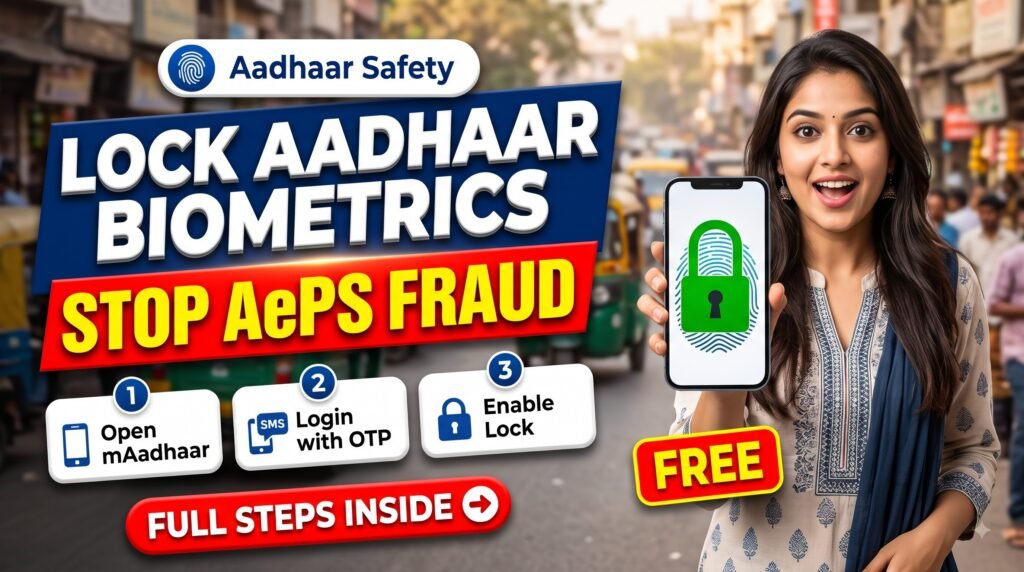
Lock Aadhaar biometrics is a free UIDAI feature that blocks anyone from using your fingerprint, iris or face for Aadhaar authentication until you unlock it.
Did you know someone can withdraw money from your bank account using a copy of your fingerprint, without any OTP? This is called AePS fraud, and it is a growing problem in India.
The simple and free way to protect yourself is to lock your Aadhaar biometrics. In this guide we show you how.
Table of Contents
What Is AePS Fraud?
AePS (Aadhaar Enabled Payment System) lets people withdraw cash at micro-ATMs and banking agents using their Aadhaar number and fingerprint. Fraudsters steal fingerprints from documents such as land and property records, make silicone copies, and use them to withdraw money from the victim’s account.
Quick Overview
| Detail | Information |
|---|---|
| What to lock | Aadhaar biometrics (fingerprint and iris) |
| Where | mAadhaar app or myAadhaar website |
| Cost | Free |
| Need | Mobile number linked with Aadhaar |
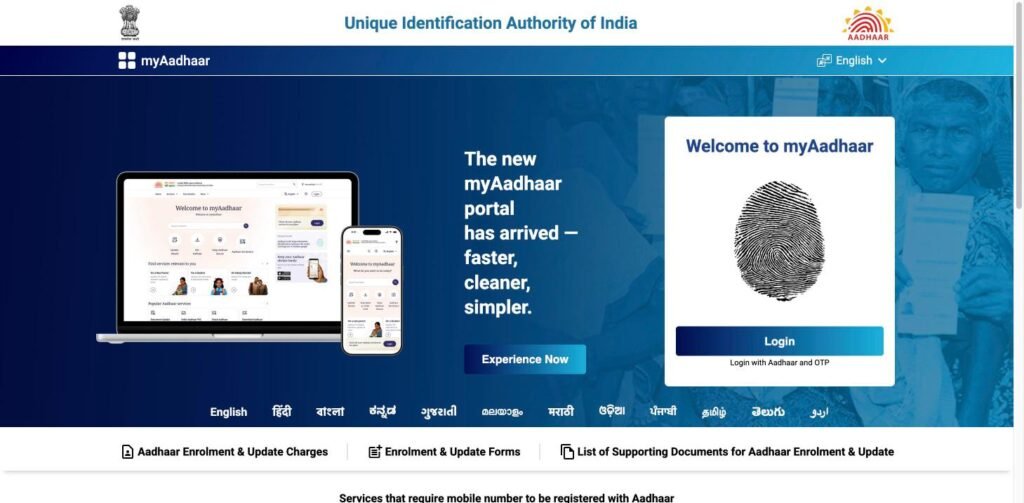
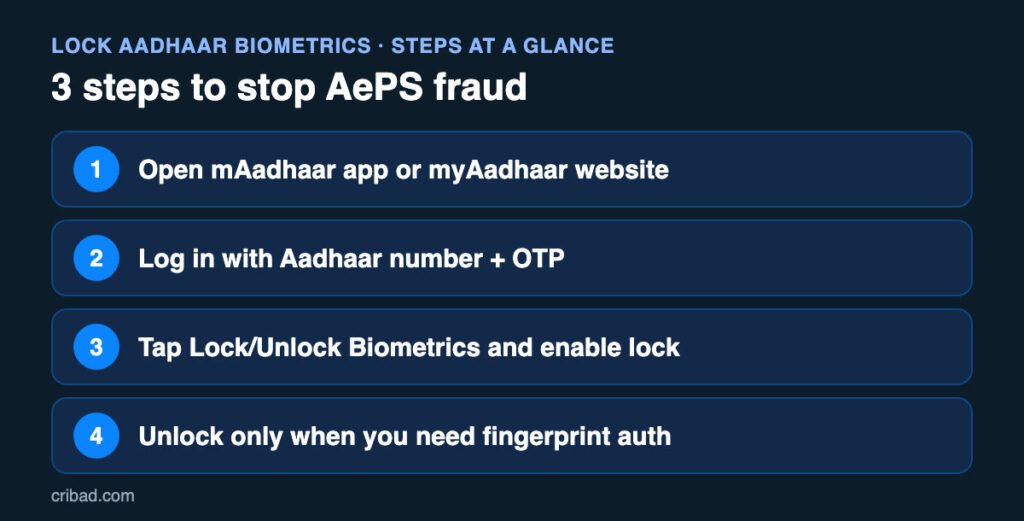
Step 1: Open mAadhaar App or myAadhaar Website
Install the official mAadhaar app or open the official UIDAI myAadhaar website (myaadhaar.uidai.gov.in).
Step 2: Log In with Aadhaar Number and OTP
Enter your Aadhaar number, fill the captcha and log in with the OTP sent to your Aadhaar-linked mobile number.
Step 3: Enable Biometric Lock
- Find the Lock / Unlock Biometrics option
- Read the note and select lock
- Confirm, and your biometrics are locked
Once locked, nobody can use your fingerprint or iris for Aadhaar authentication.
How to Unlock When You Need It
If you need fingerprint authentication, for example for a SIM card or at a bank, you can temporarily unlock from the same app or website. It locks again automatically after a short time.

Why You Should Lock Aadhaar Biometrics Today
AePS (Aadhaar Enabled Payment System) lets people withdraw cash at a bank correspondent or micro-ATM using only Aadhaar number and fingerprint. Fraudsters copy fingerprints from documents such as property registration papers, and then withdraw money without any OTP.
When you lock Aadhaar biometrics, every biometric authentication on your Aadhaar fails. So even if someone has a copy of your fingerprint, they cannot use it for AePS withdrawal.
- Free of cost to lock Aadhaar biometrics
- Takes less than 2 minutes
- You can unlock temporarily whenever you need it
- Works for fingerprint, iris and face authentication
What Works and What Does Not After You Lock Aadhaar Biometrics
- OTP-based Aadhaar authentication keeps working
- You can still download e-Aadhaar
- Fingerprint-based services (AePS, some SIM and ration shop checks) will fail until you unlock
- Unlock is temporary and the lock comes back on automatically after a short time
If you need fingerprint authentication for ration, pension or a bank visit, unlock just before the visit and the lock returns automatically after that. This is why experts suggest you lock Aadhaar biometrics and keep it locked by default.
Other Ways to Protect Your Aadhaar
Along with the option to lock Aadhaar biometrics, follow these simple habits:
- Use Masked Aadhaar when you share a copy
- Do not upload Aadhaar on unknown apps or websites
- Check Aadhaar authentication history on myAadhaar regularly
- Make sure your mobile number is linked with Aadhaar to get OTP alerts
Watch the Video
Extra Safety Tips
- Do not share Aadhaar copies with unknown people
- Mask your Aadhaar number when possible
- Keep SMS alerts on for your bank account
- If money is withdrawn without your knowledge, call 1930 or report on cybercrime.gov.in and inform your bank
Real Examples of AePS Fraud and How the Lock Stops It
In many reported cases, people received an SMS saying money was debited from their account through AePS, even though they never shared an OTP or visited a bank. Investigations found that fingerprints were lifted from documents such as land registration papers, where both the Aadhaar number and thumb impression were available.
Fraudsters then created artificial fingerprints using silicone and used them at micro-ATMs to withdraw cash. Since AePS uses only the Aadhaar number, bank name and fingerprint, no OTP or PIN is needed for these withdrawals.
When the biometric lock is on, the authentication request fails at the UIDAI level. The micro-ATM shows an error and the money stays safe in your account. This is why the lock is one of the simplest and most effective protections against this type of fraud.
- Turn on the lock today, it takes less than two minutes
- Ask parents and elderly relatives to turn it on too, as they are common targets
- If money is lost, call 1930 and inform your bank immediately
- Report the incident on cybercrime.gov.in with the SMS details
Remember that the lock only blocks biometric use. Keep your Aadhaar-linked mobile number active, because OTP is needed to unlock and to manage your Aadhaar settings.

Frequently Asked Questions
Is locking Aadhaar biometrics free?
Yes, the UIDAI biometric lock and unlock service is free.
Will my Aadhaar stop working after locking?
No. Only biometric authentication is blocked. OTP-based services continue to work normally.
Can I lock Aadhaar biometrics without a linked mobile number?
No. You need a mobile number linked with Aadhaar to receive the OTP. Update it at an Aadhaar Seva Kendra first.
How do I know if someone used my Aadhaar?
Log in to myAadhaar and check Authentication History. It shows the date, time and type of every authentication.
Related Guides
- How to Check EPF Balance with a Missed Call or SMS (No Internet Needed)
- Credit Card Minimum Due Trap: Why Paying Only Minimum Amount Costs You 40% Interest
- Lost Money in Online Fraud? Call 1930 in the Golden Hour (Complete Guide)
Official source: myAadhaar official website. Always verify the latest rules on the official website.
Conclusion
Locking your Aadhaar biometrics takes two minutes and adds a strong layer of protection against AePS fraud. Do it today and help your parents do it too.
Disclaimer: This article is for information purposes only. Steps and menu names may change. Please check the official UIDAI website for the latest process.